Discover the best free AI writing tools to boost your productivity. In-depth reviews on features, limitations, and how to optimize content for AI search.
In an environment where content performance is critical, the ability to produce high-quality material efficiently has become a core operational requirement. AI writing assistants are now integral to this process, helping teams draft marketing copy, refine technical documentation, and brainstorm creative ideas. However, the market is saturated with options, making it difficult to identify the most effective solution without significant trial and error.
This guide is designed to eliminate that guesswork. We provide a detailed, analytical breakdown of the 12 best free AI writing tools currently available. Instead of surface-level descriptions, we focus on practical application. You will find feature-by-feature comparisons, specific use cases for SEO and marketing, and a frank assessment of the limitations inherent in each tool's free tier.
Our objective is to empower you to make an informed decision based on your specific needs. Each entry includes:
- Real-world usage insights for common business tasks.
- Actionable setup tips to integrate the tool into your existing workflow.
- Sample outputs to demonstrate each platform's unique voice and style.
- Direct links and screenshots for easy access and evaluation.
We move beyond simple generation to analyze how to optimize the content these tools produce for visibility on modern, AI-driven search platforms. This resource equips you not just to choose a tool, but to use it strategically, ensuring your content is polished, effective, and positioned for maximum impact. By the end, you'll have a clear understanding of which platform aligns with your content goals, from quick social media updates to in-depth, long-form articles.
1. ChatGPT (OpenAI)
Often considered a foundational tool, ChatGPT’s free version remains one of the best free AI writing tools for general-purpose content creation. Its strength lies in its conversational interface, which allows for rapid ideation and iterative drafting. For content teams, it's an exceptional starting point for turning raw subject-matter expert notes into structured first drafts, complete with outlines and summaries.
The platform excels at generating content across various formats, from blog post outlines and FAQ sections to marketing email drafts. Its conversational nature means you can refine tone, simplify complex topics, or rephrase content through simple follow-up commands, making the editing process dynamic. For a direct comparison of its capabilities against other conversational AI, exploring how ChatGPT measures up to competitors like Perplexity AI can provide deeper context for its specific strengths in creative and long-form writing tasks.
Key Considerations
- Best For: Early-stage drafting, brainstorming content angles, and creating outlines from complex information.
- Limitations: The free version's output quality is highly dependent on prompt specificity. It lacks native features for enforcing strict brand voice or style guides, requiring manual oversight and careful prompt engineering.
- Implementation Tip: To improve output consistency, create a "master prompt" that includes your target audience, desired tone, and key terminology. Begin each new chat session by pasting this master prompt to guide the AI's responses.
Website: https://chat.openai.com
2. Microsoft Copilot (Web)
Microsoft Copilot’s free web version offers a powerful entry point into AI-assisted writing, especially for teams already integrated into the Microsoft ecosystem. While distinct from the paid Microsoft 365 version, its strength as a free tool comes from its browser-based convenience and familiar user experience, making it a low-friction choice for quick content generation without software installation.
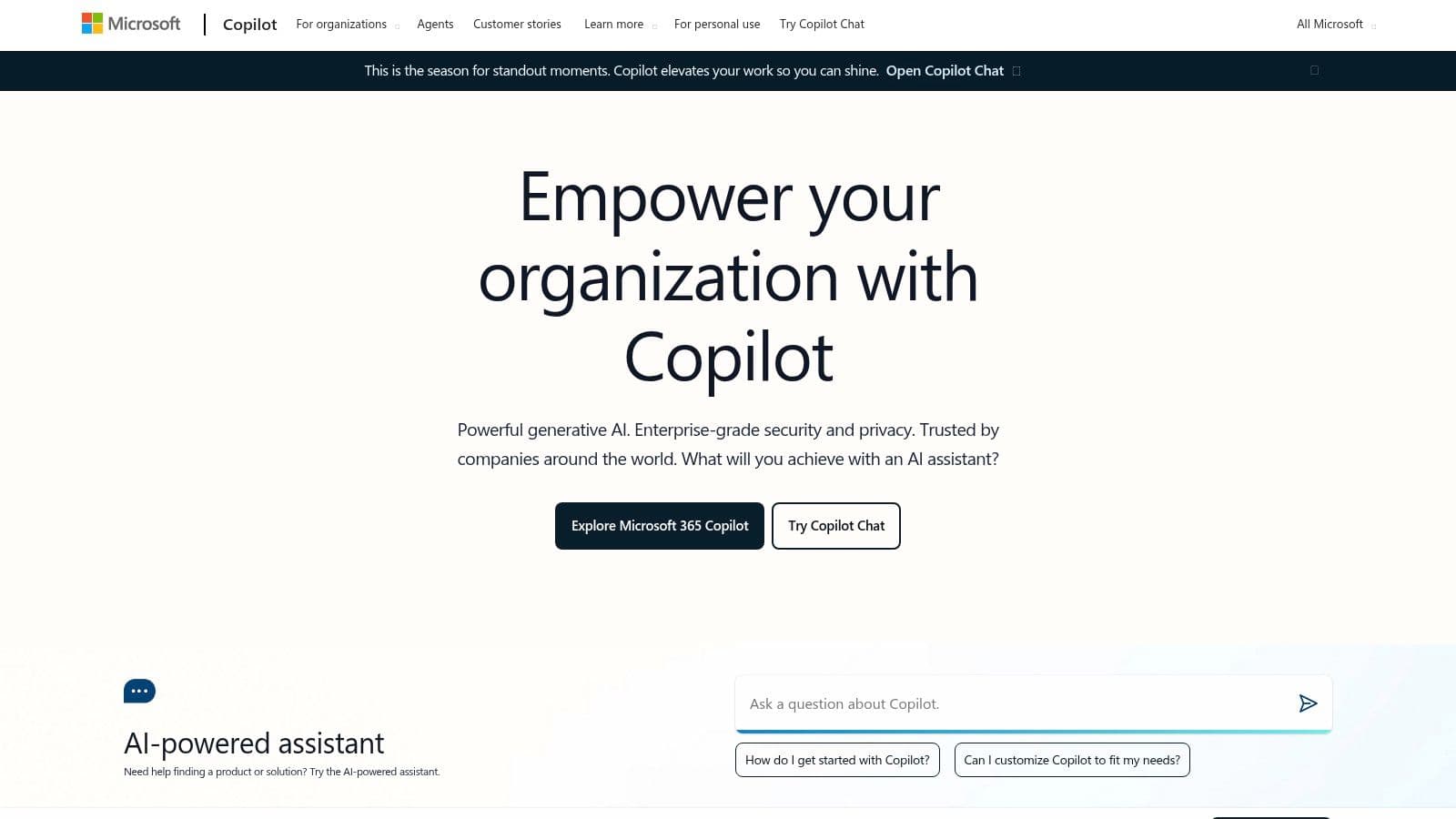
It is highly effective for drafting professional communications like emails, social media posts, and short-form blog content. The platform's ability to adopt a businesslike tone with minimal prompting is a clear advantage for corporate users. As Copilot becomes more embedded in search and other Microsoft products, understanding its impact on brand visibility is crucial; you can explore the implications for your Copilot visibility strategy to stay ahead of these changes. For those looking for one of the best free AI writing tools that aligns with existing business workflows, Copilot is an excellent, accessible option.
Key Considerations
- Best For: Quick-turnaround business communications, formatting raw text, and drafting content with a professional tone.
- Limitations: The free web version does not integrate directly into Microsoft Office apps like Word or Excel; this requires a paid license. Model access and daily usage limits can also vary without a subscription, potentially throttling heavy users.
- Implementation Tip: Use Copilot’s "conversation style" selector (Creative, Balanced, or Precise) before submitting a prompt. Choosing "Precise" is ideal for generating factual, concise business copy, while "Creative" works better for brainstorming marketing angles or social media hooks.
Website: https://copilot.microsoft.com
3. Google Gemini (Web and Mobile)
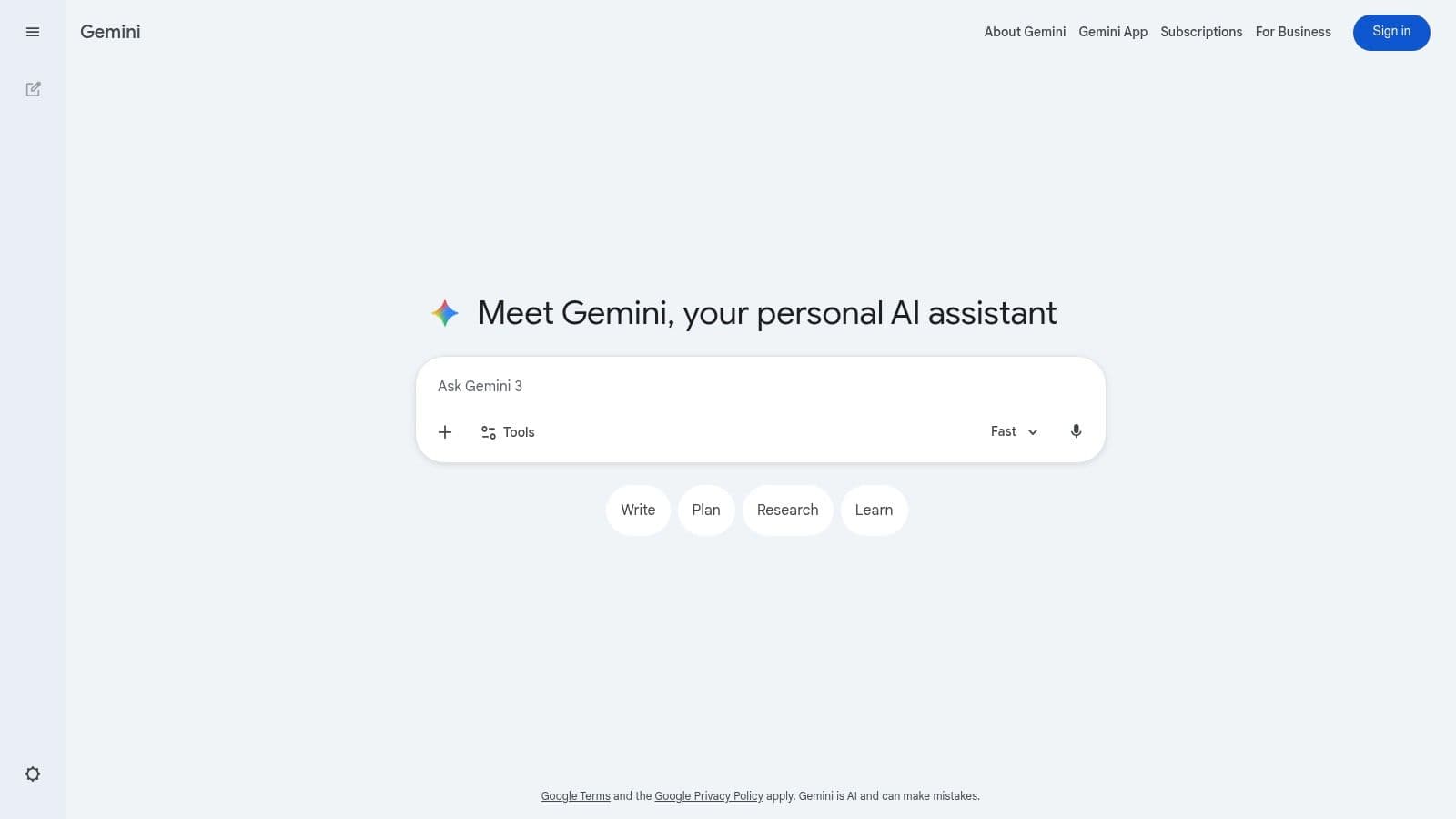
As Google's direct entry into conversational AI, Gemini stands out as one of the best free AI writing tools, particularly for users integrated into the Google ecosystem. Its core strength is its accessibility and its foundation in Google's powerful search index, making it proficient for tasks that require real-time information. For content teams, Gemini is a fast and convenient tool for summarizing articles, drafting quick social media posts, or generating ideas with up-to-date context.
Its web and mobile applications provide a seamless experience across devices, allowing for on-the-go brainstorming and drafting. Gemini is particularly useful for generating concise summaries from pasted text or web links, which helps accelerate the initial research phase of content creation. As Google increasingly integrates AI into its search results, understanding how to produce content that performs well within this new environment is critical. Exploring strategies to increase brand visibility in Google's AI-powered search is a necessary step for modern content marketing.
Key Considerations
- Best For: Quick-drafting short-form content, summarizing articles for research, and brainstorming ideas with current event context.
- Limitations: The free version has daily usage limits and its output can sometimes be terse or generic without detailed, multi-step prompting. It is less suited for deep, long-form content generation compared to more specialized writing assistants.
- Implementation Tip: For more structured output, give Gemini a specific role. For example, start your prompt with, "Act as a B2B marketing copywriter. Draft three headlines for a blog post about supply chain logistics, using a professional and direct tone."
Website: https://gemini.google.com
4. Grammarly (Free)
While primarily known for its world-class proofreading, Grammarly’s free tier has evolved into one of the best free AI writing tools for polishing and refining content. It integrates basic generative AI capabilities directly into its writing assistant, allowing users to brainstorm, draft, and rewrite short passages. This combination makes it exceptionally valuable for B2B teams aiming to maintain a consistent and professional tone across emails, briefs, and internal communications without extensive training.
The platform's strength is its seamless integration into existing workflows via browser extensions and desktop apps. This provides a safety net for all team members, not just writers, ensuring a baseline of quality and clarity in all written material. The AI suggestions for tone, conciseness, and formality are particularly useful for non-writers who need to produce client-facing documents. It acts as a guardrail, correcting mistakes while offering light generative assistance for quick content improvements.
Key Considerations
- Best For: Final-stage editing, ensuring brand consistency in short-form copy, and providing a baseline of writing quality for non-writer roles.
- Limitations: Its generative AI features are limited compared to dedicated chatbots. The free tier offers conservative style suggestions, and more advanced generative functions like full document rewriting or plagiarism detection are reserved for paid plans.
- Implementation Tip: Encourage your team to install the browser extension and set a default "tone profile" (e.g., Confident, Professional). This ensures all written communication, from marketing copy to support tickets, is automatically checked against a consistent standard.
Website: https://www.grammarly.com
5. QuillBot (Free)
While many AI tools focus on generation, QuillBot stands out among the best free AI writing tools for its excellence in refinement and rewriting. It serves as a powerful paraphrasing and summarization engine, allowing content teams to rephrase sentences, improve clarity, and condense long-form text without losing the original meaning. Its core function is ideal for polishing first drafts created by other AI or human writers, ensuring the final copy is crisp and readable.
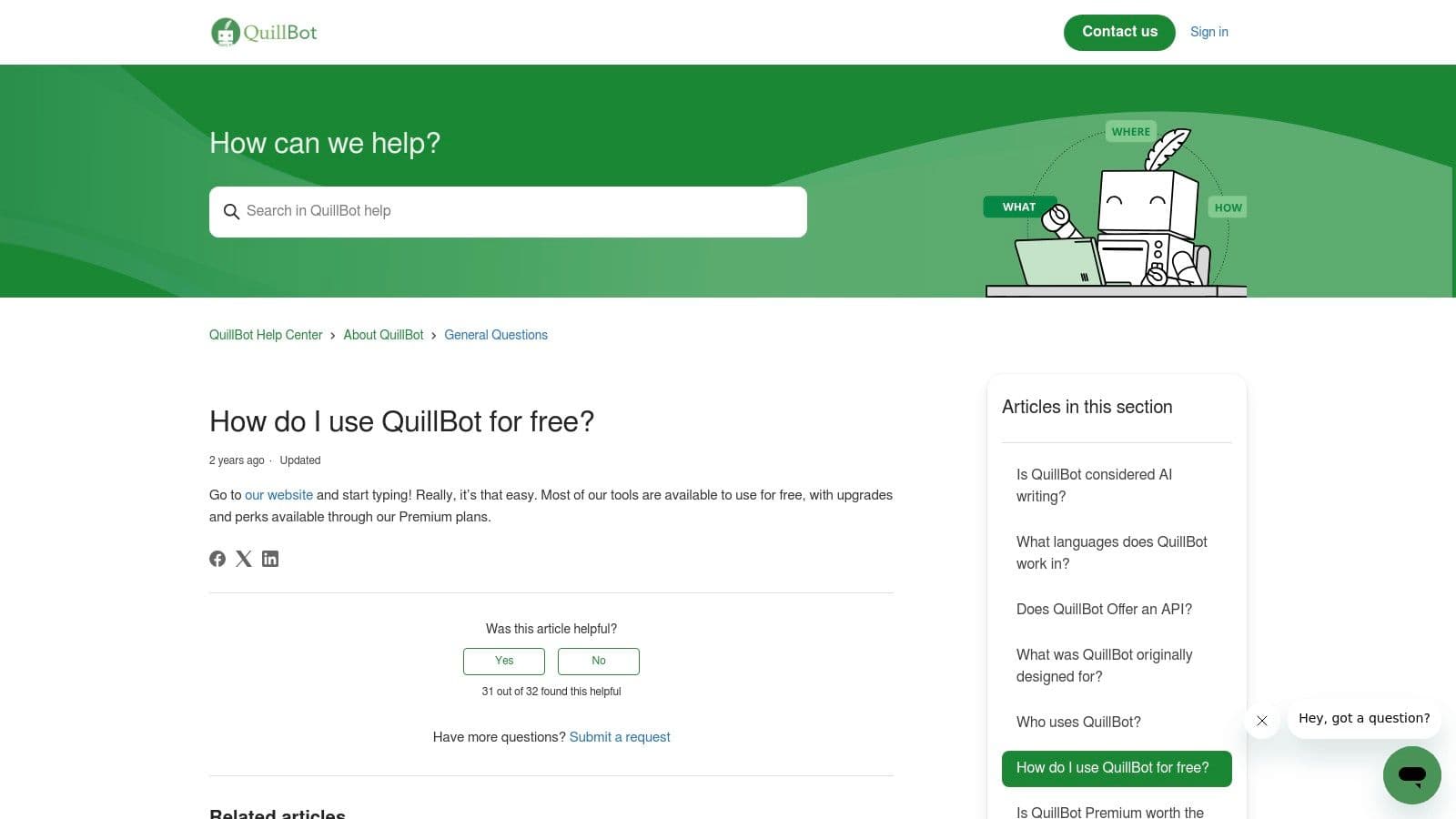
The platform is particularly useful for creating variations of existing content for SEO meta descriptions, social media posts, or A/B testing ad copy. By quickly generating alternative phrasing, it helps avoid repetitive language and can adapt a single piece of content for multiple channels. While its output is AI-driven, a common next step is to ensure it passes as human-written; using an AI text humanizer tool can add the final layer of polish needed for audience-facing materials. The simple interface requires virtually no learning curve, making it accessible for immediate use.
Key Considerations
- Best For: Improving sentence structure, reducing repetition in drafts, and creating content variations for SEO and marketing.
- Limitations: The free version limits the number of words per input and restricts access to advanced paraphrasing modes like "Creative" or "Formal." Over-reliance on its automated suggestions without manual review can lead to a generic or flattened brand voice.
- Implementation Tip: Use QuillBot's "Synonym" slider (available on a scale of 1-3 in the free version) to control the degree of change. For brand-sensitive copy, keep the slider low to maintain core messaging while still refreshing the phrasing.
Website: https://quillbot.com
6. Wordtune (Basic Free)
Unlike tools built for generating long-form content from scratch, Wordtune positions itself as a sophisticated rewriting assistant. Its primary function is not to create, but to refine. This makes it a powerful asset for teams focused on polishing critical communications, such as sales outreach emails, onboarding documents, or executive summaries where clarity and nuance are paramount. The platform excels at providing multiple alternative phrasings for any given sentence, helping writers find the perfect tone and expression.
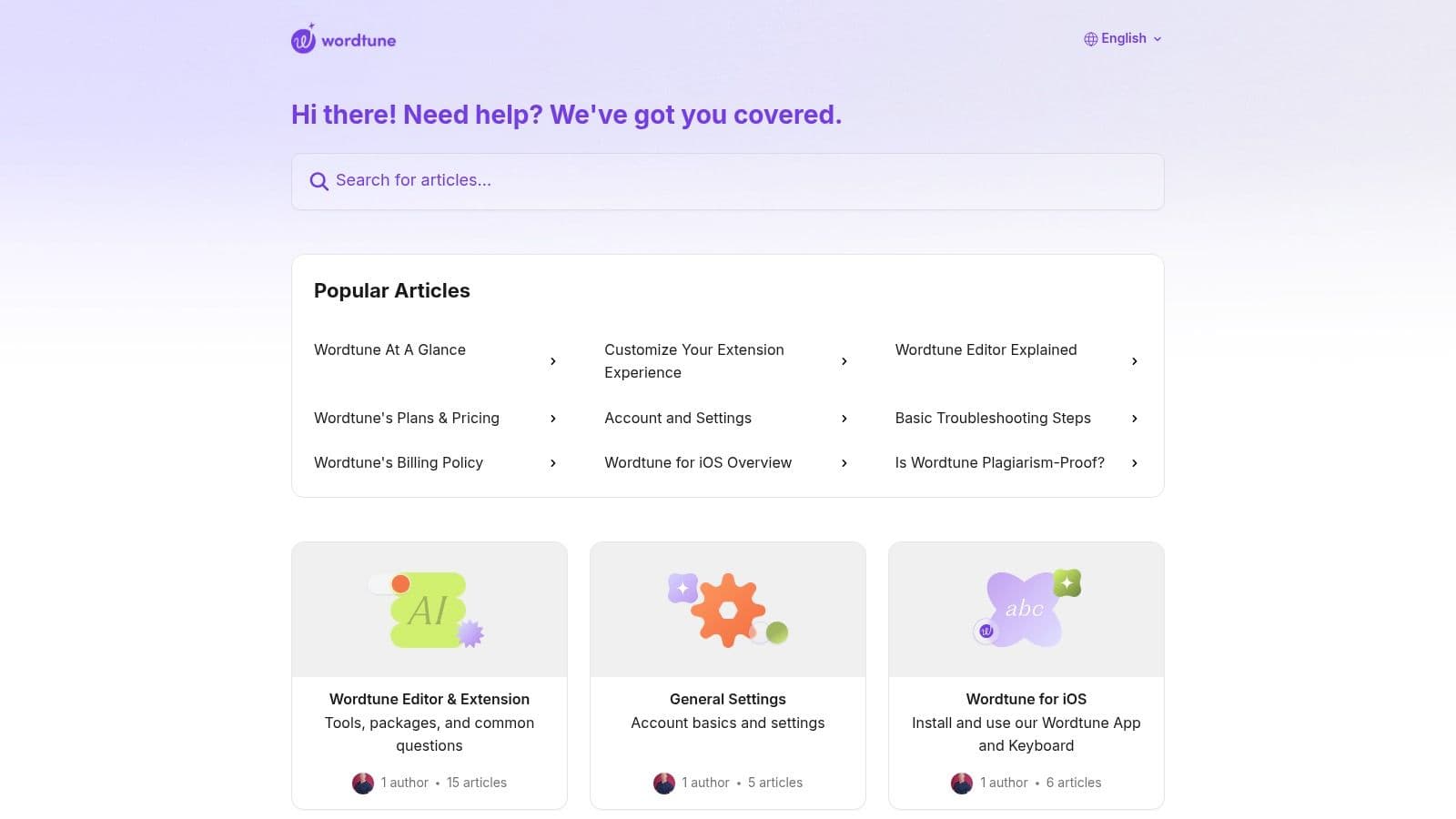
The simple user interface allows for rapid application of suggestions, including options to make text more casual or formal, and controls to shorten or expand sentences. For B2B communication, this function is particularly effective for turning dense, jargon-filled internal notes into crisp, client-facing copy. The free version's quick, contextual suggestions are a key reason it earns a spot among the best free AI writing tools for professionals focused on precision rather than volume.
Key Considerations
- Best For: Refining sentence structure, adjusting tone for specific audiences, and improving the clarity of business communications.
- Limitations: The basic free plan comes with daily usage caps on its rewrite features. It is fundamentally a sentence-level editor and is not designed for generating initial drafts or long-form articles.
- Implementation Tip: Integrate Wordtune directly into your daily workflow by using its browser extension. This allows you to apply its rewriting capabilities directly within Google Docs, Gmail, and other web-based applications, saving time on copy-pasting text between platforms.
Website: https://www.wordtune.com
7. LanguageTool (Free Web; open-source core)
While many AI writing tools focus on content generation, LanguageTool carves out a niche as an exceptional AI-powered proofreader and style corrector. It's a powerful asset for content teams that need to polish existing drafts, ensuring grammatical accuracy and stylistic consistency. Its primary strength is its extensive multilingual support, offering grammar, spelling, and style checks in over 30 languages, making it a standout choice for global organizations.
The free version provides a capable web editor and browser extension that identifies common errors and offers basic style suggestions. What makes it one of the best free AI writing tools is its open-source core, which gives technically proficient teams the option for self-hosting, offering greater control over data privacy. This hybrid model provides a reliable, free-to-use platform for individual writers and a clear, privacy-conscious path for larger enterprises concerned with sending proprietary content to third-party servers.
Key Considerations
- Best For: Multilingual proofreading, final-stage editing, and ensuring grammatical accuracy across global content teams.
- Limitations: The free version has character limits per check (10,000) and offers fewer advanced stylistic or structural suggestions compared to its premium counterpart. Its core function is correction, not generation, so it won't help with ideation or first-draft creation.
- Implementation Tip: For teams managing content in multiple languages, create a shared document outlining the specific style rules LanguageTool should enforce for each language. This ensures all team members apply corrections consistently, maintaining a unified brand voice across different regions.
Website: https://languagetool.org
8. Rytr (Free Forever)
Rytr positions itself as a lightweight yet effective AI writer, making it an excellent choice for teams needing simple, repeatable outputs with minimal setup. It stands out by offering a structured, template-driven approach, which contrasts with the open-ended conversational interfaces of larger models. This makes it particularly useful for producing standardized content like product descriptions, ad copy, and social media posts where consistency is key.
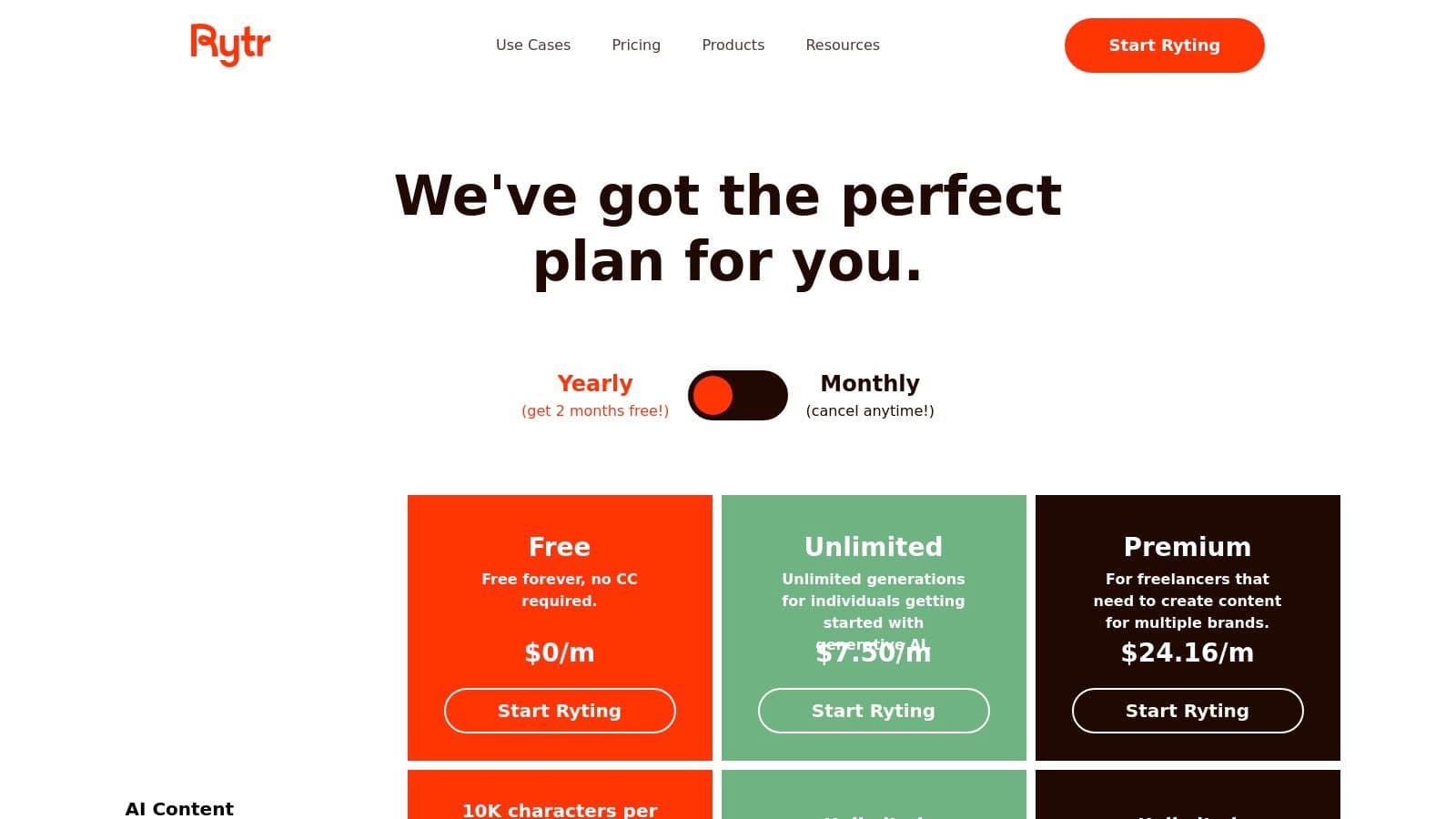
The platform provides over 40 use case templates, including popular marketing frameworks like AIDA (Attention, Interest, Desire, Action) and PAS (Problem, Agitate, Solution). This guided process ensures that even users with no prompt engineering experience can generate functional first drafts quickly. Its clear free-tier limits are also a major benefit for teams managing tool adoption, as it helps budget and govern usage before committing to a paid plan. The simplicity of its interface and Chrome extension promotes fast adoption among non-technical users.
Key Considerations
- Best For: Generating short-form marketing copy, product descriptions, and structured content using predefined templates.
- Limitations: The "Free Forever" plan's limit of 10,000 characters per month can be restrictive for long-form content or heavy usage. While it offers tone selection, its ability to maintain a complex brand voice is less robust than more advanced generalist tools.
- Implementation Tip: Use Rytr's project and document management features to organize outputs by campaign or client. For recurring tasks like generating meta descriptions, create a dedicated folder to maintain consistency and streamline your workflow.
Website: https://rytr.me/pricing
9. Writesonic (Free start; no credit card)
Writesonic positions itself less as a general-purpose chatbot and more as a specialized AI content platform for SEO and marketing teams. It offers a suite of tools designed to create content that performs well in search engines, moving beyond simple text generation to include SEO-focused workflows and optimizers. This makes it one of the best free AI writing tools for teams whose primary goal is driving organic traffic through structured content production.
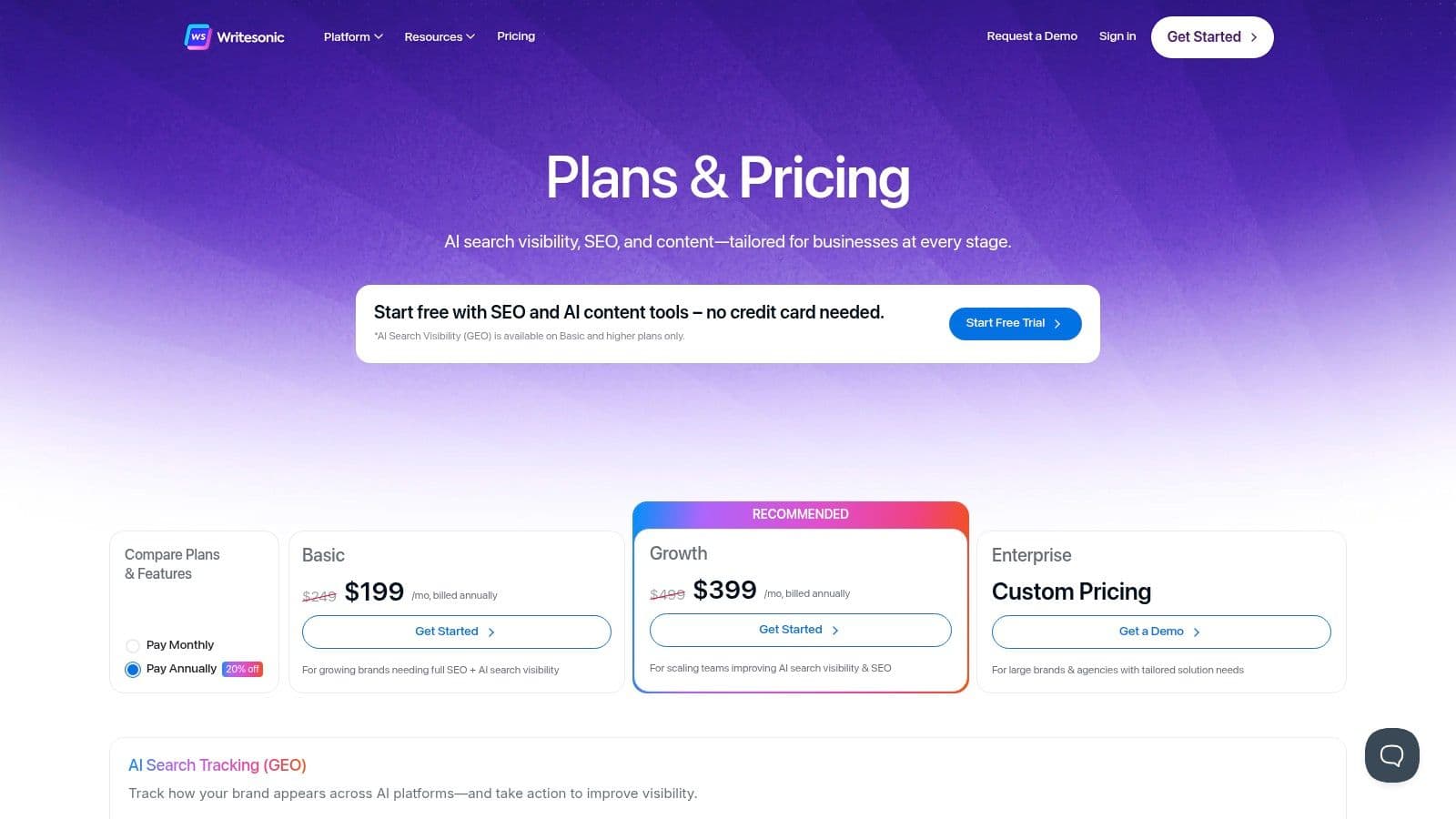
The platform's free trial is notably accessible, requiring no credit card, which allows for a friction-free evaluation of its core features. Its AI Article Writer guides users through a structured process from keyword to final draft, which is helpful for creating consistent outputs at scale. The emphasis on Generative Engine Optimization (GEO) shows a clear focus on the future of AI-driven search, setting it apart from more conversational, all-purpose tools. However, the most advanced SEO and GEO features are reserved for paid subscribers.
Key Considerations
- Best For: SEO specialists and content marketers needing to produce structured, keyword-driven articles and marketing copy.
- Limitations: The free plan is quite limited, and the platform’s opinionated, SEO-centric workflows can feel restrictive for users accustomed to the open-ended nature of general AI chatbots. Non-SEO users may face a learning curve.
- Implementation Tip: Use the free trial to test the full "AI Article Writer 5.0" workflow on a single, well-defined keyword. This will give you a clear sense of the tool's process and output quality before committing to a paid plan.
Website: https://writesonic.com/pricing
10. DeepL Write (Free)
From the creators of the highly regarded DeepL Translate, DeepL Write is a specialized tool focused on refining existing text. Instead of generating content from scratch, it acts as an intelligent proofreader and stylistic editor, making it one of the best free AI writing tools for the crucial final-mile polish. It excels at improving clarity, tone, and sentence structure, which is particularly useful for formal business communication, technical documentation, and for non-native English speakers aiming for natural-sounding phrasing.
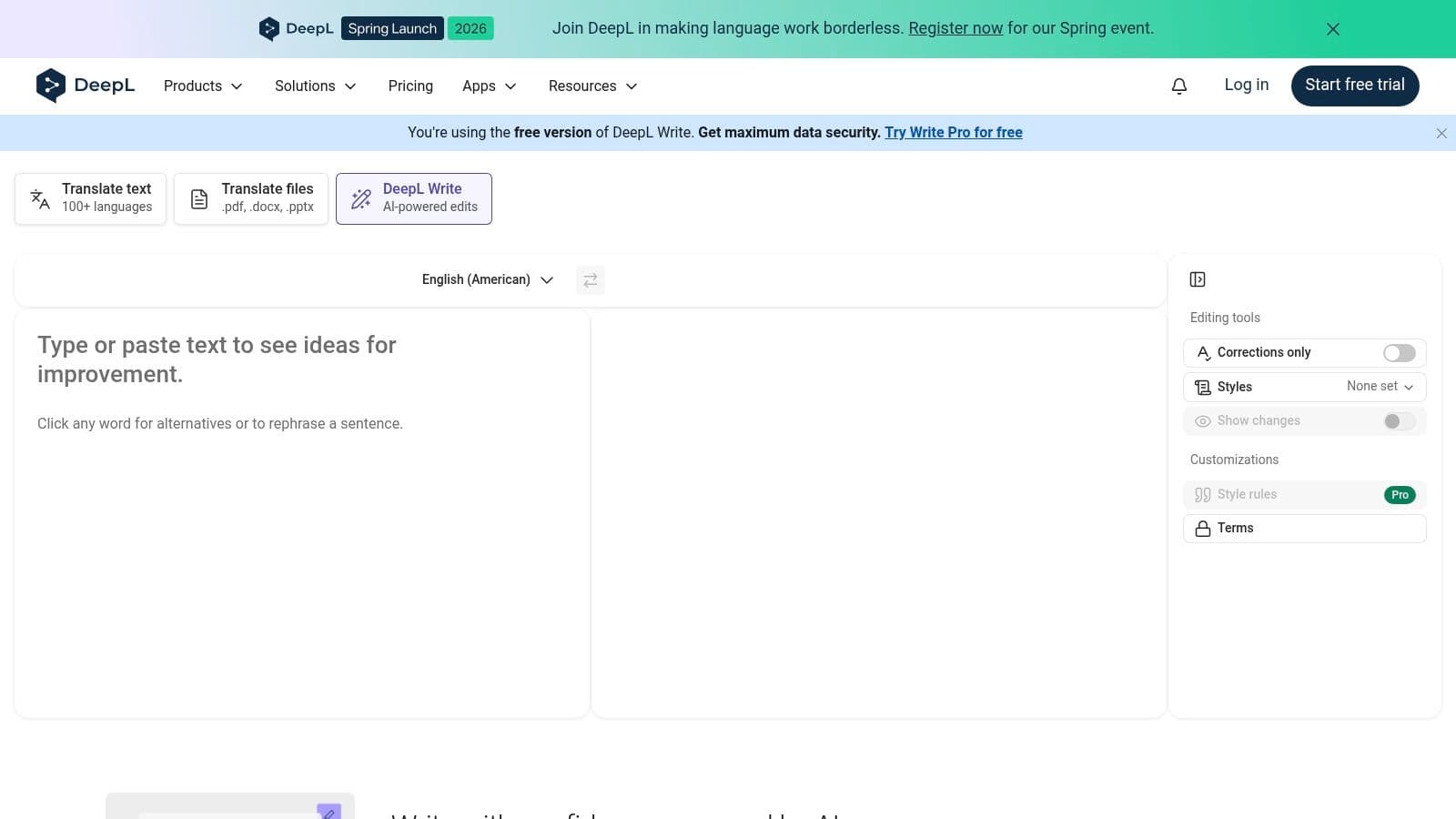
The platform’s strength is its precision. It provides alternative phrasings and word choices that improve the flow and professionalism of your writing without altering the core message. This makes it an ideal safety net before sending an important email or publishing a client-facing document. The clean interface allows writers to review suggestions with minimal cognitive load, focusing purely on linguistic improvements. As more teams integrate AI-assisted writing, understanding the nuances of how this content is perceived is critical; you can find deeper insights into the nature of what AI-generated content is and how to manage it effectively.
Key Considerations
- Best For: Final-stage editing, improving clarity in formal documents, and assisting non-native speakers in achieving a natural tone.
- Limitations: The free version has character and usage limits, and it lacks the broad template library found in tools built for marketing copy or long-form content generation.
- Implementation Tip: Use DeepL Write as the last step in your writing workflow. First, generate your draft with a tool like ChatGPT, then paste the content into DeepL Write for a final check on sentence structure and word choice.
Website: https://www.deepl.com/write
11. Canva Magic Write (in Canva Free)
For teams focused on visually-driven content, Canva Magic Write integrates AI text generation directly into the design workflow. Its primary strength is context-aware copy creation; it generates headlines, social media captions, and short-form text that can be immediately placed and formatted within a Canva design. This eliminates the friction of switching between a separate writing tool and a design platform, accelerating the creation of campaign mockups and social assets.
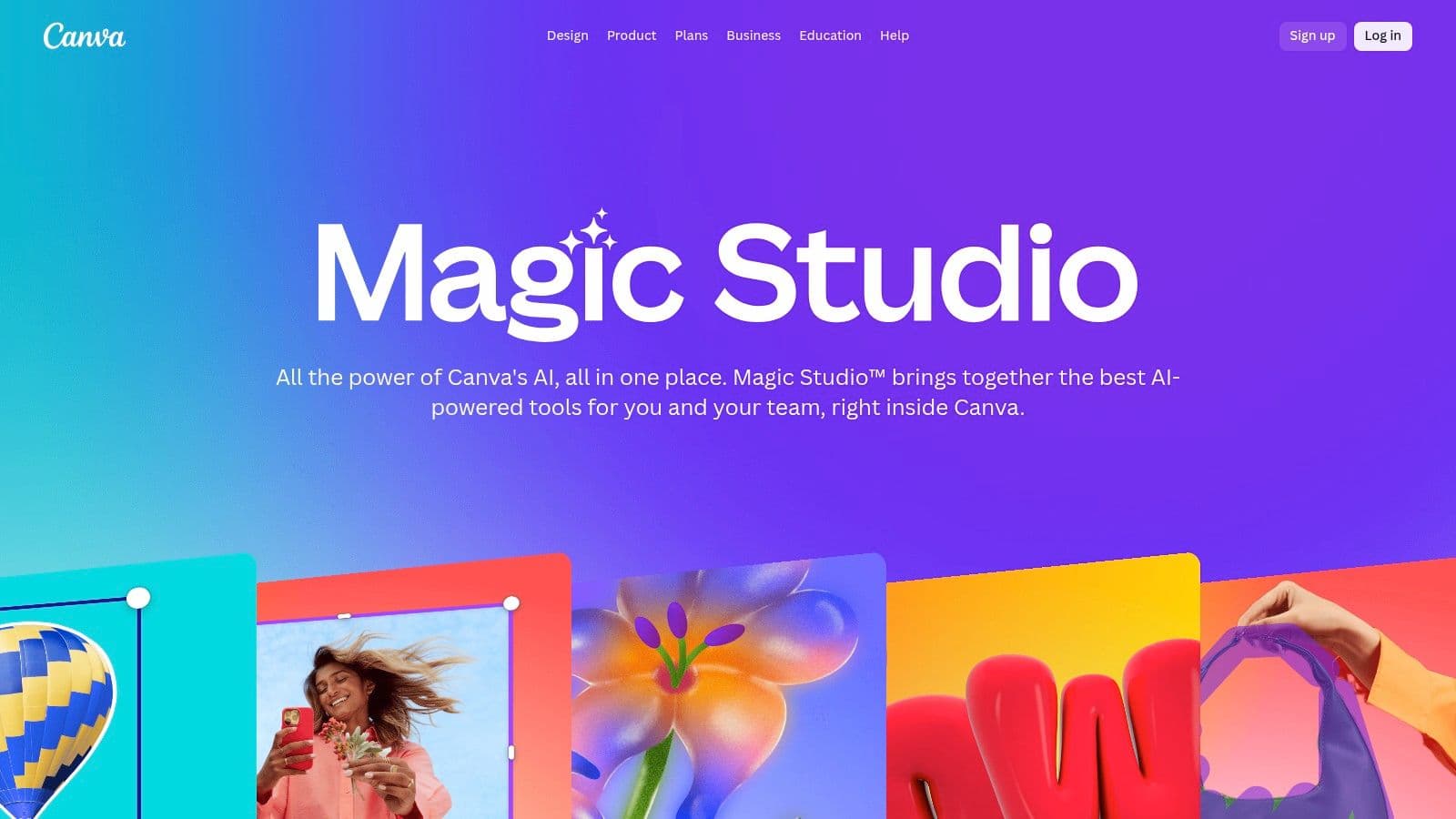
The tool operates within Canva Docs and directly on design canvases, working alongside other AI features like Magic Design. This tight integration means a brand manager can generate a post idea, create a matching visual, and write the caption all in one place. While not built for extensive article writing, its utility for pairing concise copy with on-brand visuals makes it one of the best free AI writing tools for marketing and social media teams who need to produce content at a high velocity.
Key Considerations
- Best For: Generating short-form marketing copy, social media captions, and headlines directly within a visual design environment.
- Limitations: The free plan has usage caps on Magic Write credits, and many of Canva's other AI features are behind a paywall. Its capabilities are designed for short text, not for drafting long-form articles or complex documents.
- Implementation Tip: Use Magic Write to generate multiple headline or caption variations for A/B testing. Drop them into different versions of a design to quickly visualize how copy changes impact the overall creative before finalizing campaign assets.
Website: https://www.canva.com/canva-ai/
12. Perplexity (Free)
Perplexity operates as an “answer engine” rather than a pure creative writer, making it an indispensable tool for research-assisted content creation. It excels at generating factual, source-grounded text, which is ideal for teams that need to build outlines, briefs, and initial drafts backed by verifiable information. Its primary function is to answer queries with a synthesized response that includes inline citations, allowing writers to quickly vet sources and build credibility.
For content marketers, this platform is a powerful asset for creating the foundational layer of an article, such as a "what is" section or a data-supported argument. Instead of just brainstorming, you can ask it to explain a complex topic and it will return a summary with direct links to the articles, studies, or news reports it used. This makes it one of the best free AI writing tools for tasks that demand accuracy and a strong, fact-checked starting point before creative expansion.
Key Considerations
- Best For: Building research-backed outlines, creating factual briefs for writers, and drafting sections that require citations.
- Limitations: Its creative writing capacity is secondary to its research function. Outputs can be dry and may require significant stylistic editing to align with a brand's voice. The free version has limits on usage and access to its most advanced models.
- Implementation Tip: Use Perplexity to generate the factual scaffolding for a blog post. Copy the generated text and its sources into your primary document, then use a more creative tool to flesh out the narrative, add brand voice, and expand on the core points.
Website: https://www.perplexity.ai
Top 12 Free AI Writing Tools Comparison
Beyond Generation: Optimizing Your AI-Powered Content for Maximum Visibility
Selecting the right tool from our extensive analysis is your first strategic move. The real work, however, begins after you click "generate." The landscape of content performance is no longer confined to traditional search engine results pages. Success now requires a dual focus: creating high-quality content and ensuring its visibility within AI-driven answer engines.
We've explored a dozen of the best free AI writing tools, from the versatile powerhouses like ChatGPT and Google Gemini to specialized assistants like QuillBot for paraphrasing and DeepL Write for nuanced rephrasing. Each serves a distinct purpose, and recognizing their limitations is as important as understanding their strengths. A free plan from Rytr might be perfect for generating short-form copy, while the free version of Grammarly remains an essential safety net for correctness and clarity across your entire workflow.
From First Draft to Final Asset: A Strategic Framework
AI-generated text should never be the final product. Treat it as a well-structured first draft, a foundation upon which your expertise must be built. This is where your brand's unique value proposition comes to life.
Here are the critical steps to refine AI output into a strategic asset:
- Inject Human Insight: AI can assemble facts and follow instructions, but it cannot replicate your team's unique perspective, anecdotes, or proprietary data. Weave these elements into the text to add depth and authority. As you generate content with these tools, it's crucial to understand how to ensure its quality and authenticity, learning to differentiate human-led content from AI-generated 'fluff'.
- Fact-Check Rigorously: Generative models, including research-oriented tools like Perplexity, can produce inaccuracies or "hallucinations." Always verify statistics, names, dates, and key claims against primary sources. Your brand's credibility depends on it.
- Align with Brand Voice: An AI doesn't know your company's personality. Manually adjust the tone, vocabulary, and sentence structure to ensure every piece of content sounds authentically like your brand, not a generic algorithm.
Winning in the Age of AI-Powered Search
Your optimization strategy must now extend beyond Google’s traditional blue links. The new frontier for brand visibility is within the answer boxes of AI chat interfaces like Microsoft Copilot and Gemini. When a potential customer asks a question related to your industry, is your brand being mentioned? Is your key messaging being accurately represented?
This is no longer a question of "if" but "how" to compete in this space. Your content needs to be structured and written in a way that makes it a prime source for these AI models to cite. This involves:
- Clear, Factual Assertions: Present information directly and unambiguously.
- Structured Data: Use lists, tables, and clear headings that models can easily parse.
- Authoritative Signals: Build out content that establishes your expertise on a topic, making your domain a trusted source.
The free tools we've discussed are your production engine, but they don't provide visibility into this new ecosystem. Integrating these powerful free tools with a dedicated AI visibility strategy is the key to staying competitive and ensuring your message reaches your target audience, wherever they are searching for answers. Your journey with the best free AI writing tools has just begun; the next step is to make your content perform.
Don't let your expertly crafted content get lost in the new AI-driven search landscape. While the tools in this guide help you create, Attensira helps you win. See exactly how your brand is represented in AI answers and get the data you need to optimize your content for maximum visibility.